



Wireless gaming headsets often promise strong sound and premium features, but many end up being heavy, expensive, or uncomfortable after long use. The Logitech G321 Lightspeed Wireless Headset from the LogitechG line takes a different approach by focusing more on comfort and simple wireless convenience, but does it have all the bells and whistles that you need for a holistic auditory experience? Here’s our full review.
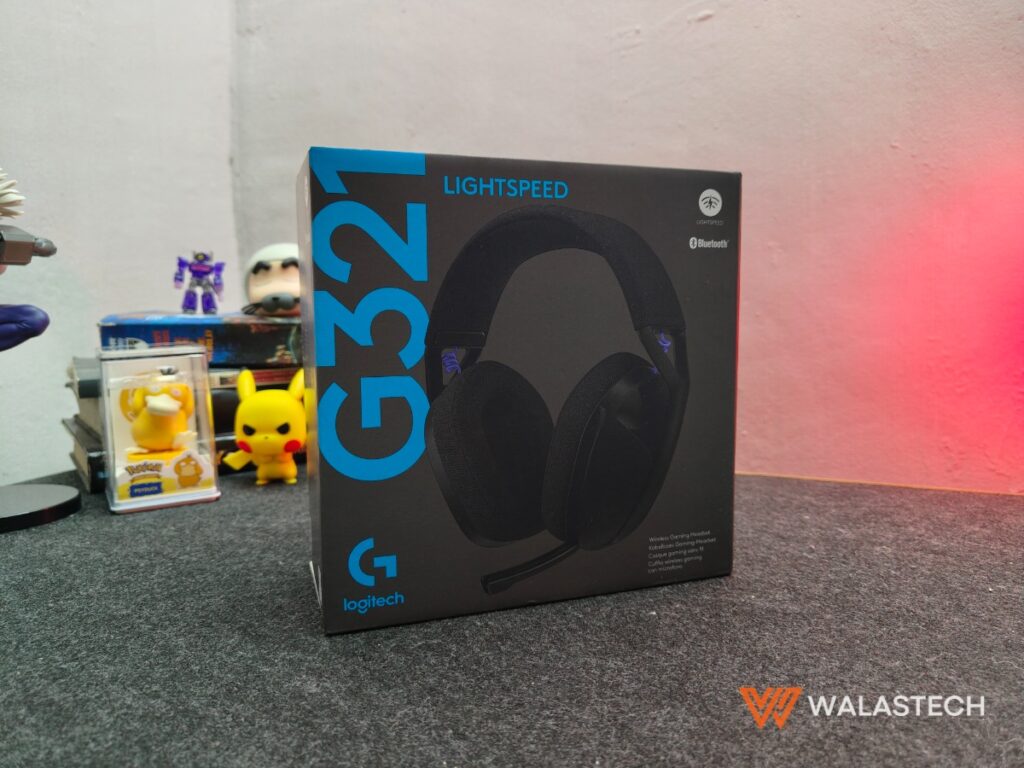
Logitech G321 Lightspeed Wireless Headset Specifications
- Drivers: 40 mm dynamic drivers
- Wireless Technology: Logitech Lightspeed 2.4 GHz + Bluetooth
- Microphone: Dual beamforming built-in mic
- Battery Life: Up to around 18 to 20 hours, depending on usage
- Charging Port: USB-C
- Weight: Around 165 grams
- Compatibility: PC, PlayStation, Nintendo Switch, mobile devices via Bluetooth
- Controls: On-ear buttons for volume, power, and mute
- Materials: Plastic frame with fabric earcups
- Colors: Black, White, and selected regional variants
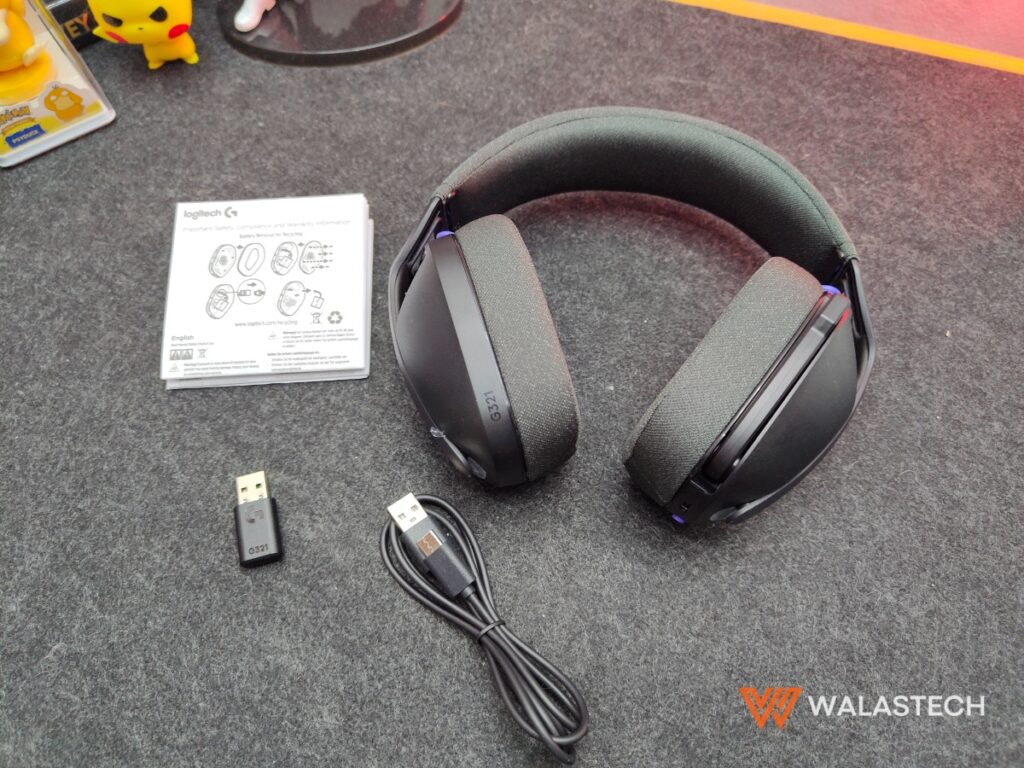
What’s inside the box: Pretty simple – the headphones, a USB-A wireless dongle, a USB-A to USB-C charging cable, and a folded paper for manual and documentation.

Design and Construction
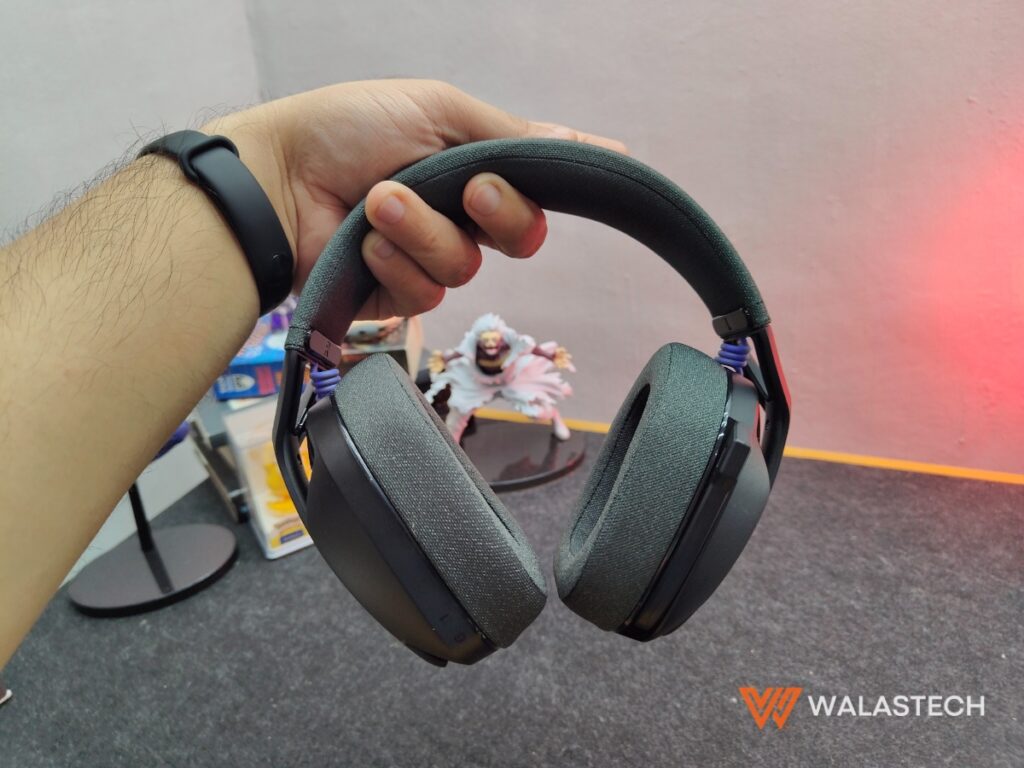
One of the strongest aspects of the Logitech G321 is its lightweight build. At roughly 165 grams, it feels noticeably lighter than many gaming headsets. This makes a difference during long gaming sessions or video calls because it puts less pressure on the head and neck. Many users mention that they can wear it for hours without discomfort.
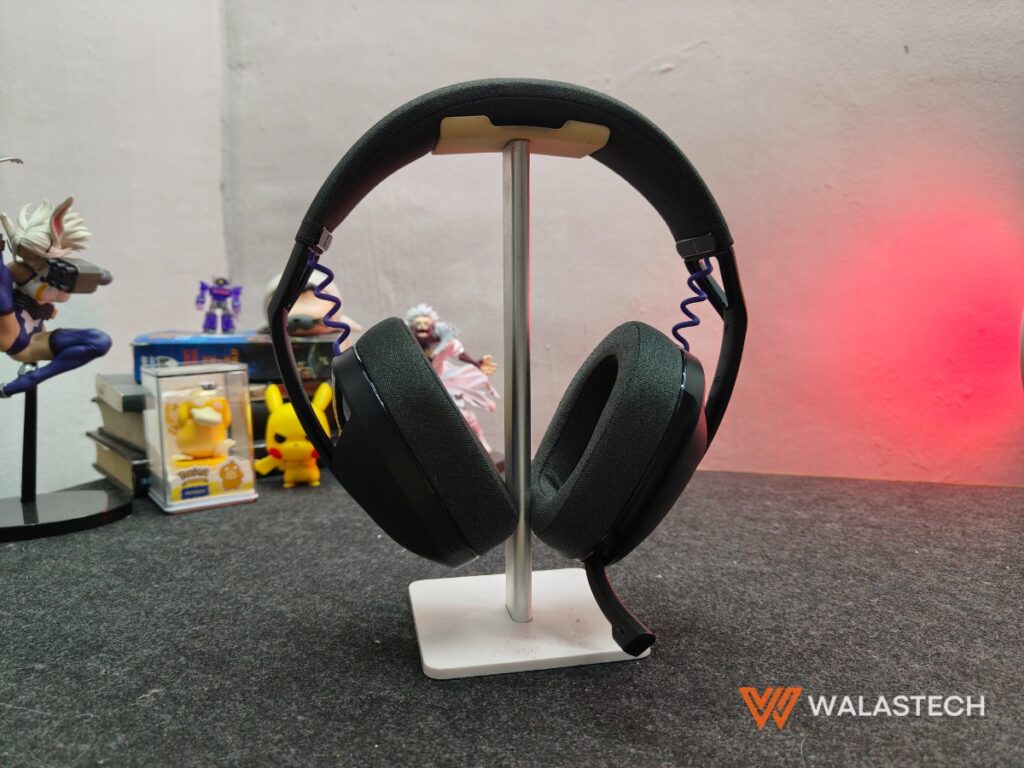
The headset uses a plastic frame with fabric earcups instead of leather or synthetic leather. The fabric helps reduce heat buildup and sweating, which is helpful in warmer environments. The ear cushions are soft and breathable, but they do not seal as tightly as leather pads. This leads to weaker passive noise isolation. External sounds such as fans, traffic, or nearby conversations can still be heard, especially at lower volume levels.
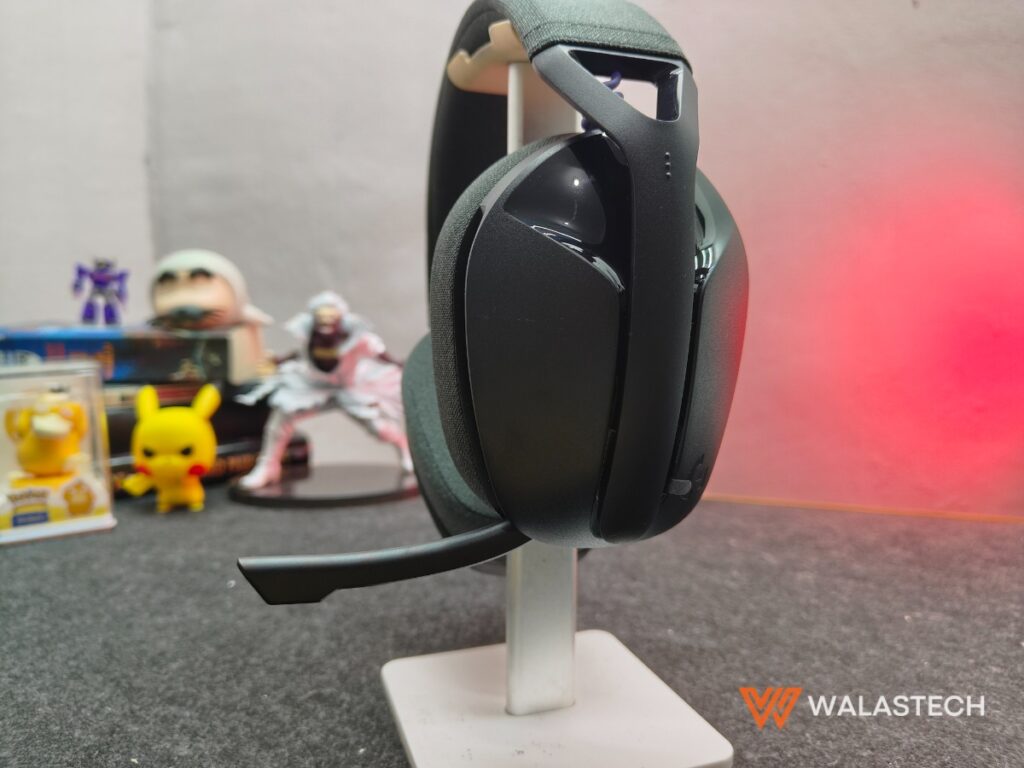
In terms of durability, the plastic construction keeps the weight low but also makes the headset feel less premium. You may notice instances of creaking sounds when adjusting the earcups or stretching the headband, but it’s nothing to be concerned about. It does not feel fragile, but it does not feel heavy-duty either. It is better suited for desk use or careful handling rather than frequent travel inside crowded bags.
The controls are placed on the earcups using physical buttons instead of a scroll wheel. The buttons work, but they can feel small or slightly awkward to press without looking. The absence of a rotating volume dial is a minor inconvenience for some users who prefer quicker adjustments.
Audio Quality
Audio performance on the Logitech G321 is generally balanced but not highly detailed. For gaming, it performs well enough for casual and competitive play, especially in titles where clear directional sound is needed. Footsteps, gunfire, and environmental effects are audible, though not extremely sharp or layered compared to higher-priced headsets.
Bass response is present but not deep or punchy. Explosions and low-frequency sounds feel controlled rather than powerful. For music, this results in a clean but sometimes flat listening experience. Listeners who enjoy strong bass or rich sound may find it lacking. High frequencies are clear but can feel slightly thin at higher volumes.
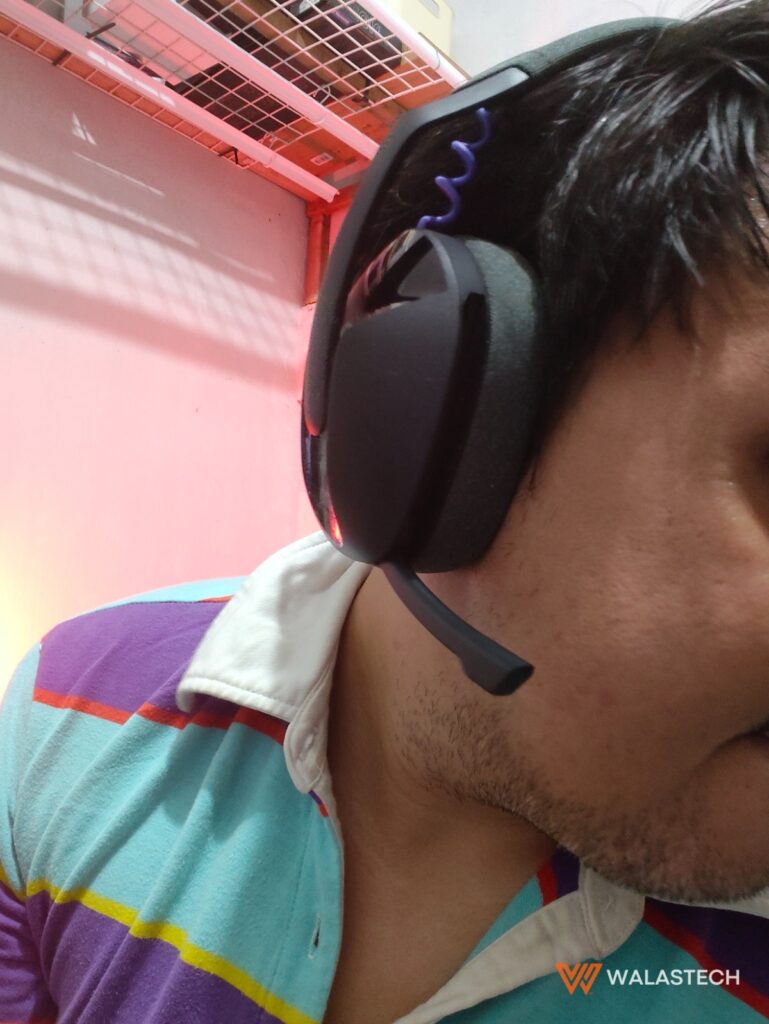
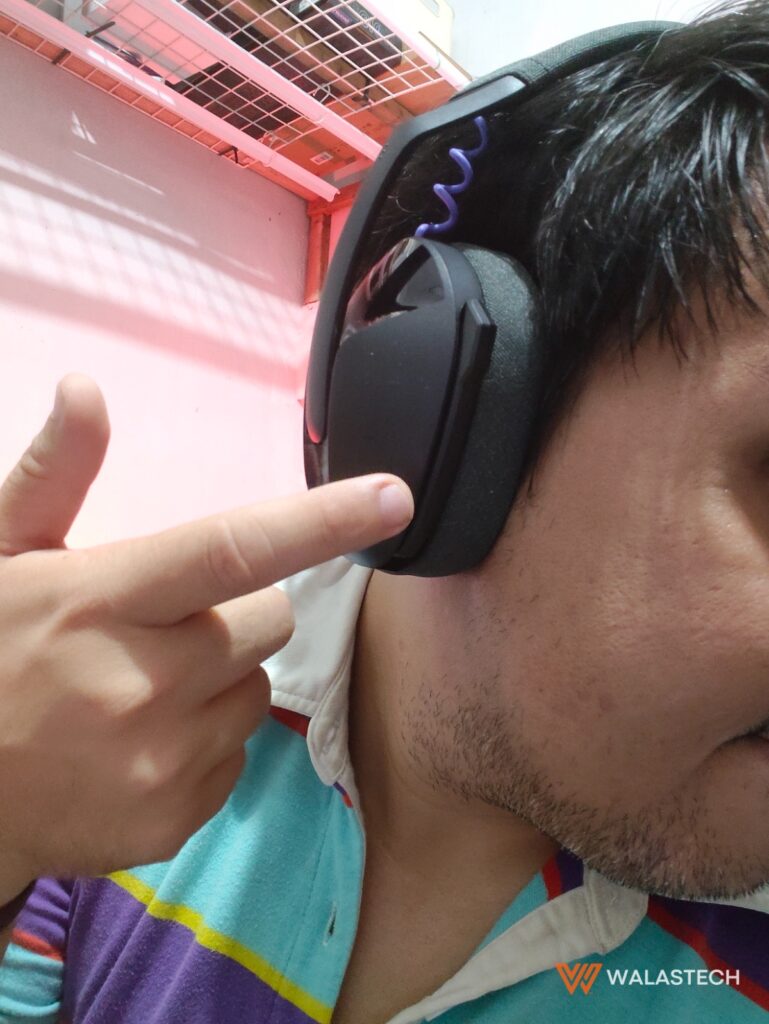
The built-in microphone is another area with mixed feedback. It is convenient because it is integrated into the headset instead of using a protruding boom arm. This keeps the look simple and makes it easier to carry. However, voice clarity is just average. It works fine for in-game chat, video calls, and casual communication, but it is not ideal for streaming, podcasting, or professional voice recording.
Volume output is acceptable, but not very loud compared to other wired gaming headsets I own. In noisy environments, users may need to increase volume close to maximum to fully focus on audio. Because the earcups do not isolate noise strongly, outside sounds can still interfere.
Connectivity
Connectivity is one of the main selling points of the Logitech G321. It supports both Logitech Lightspeed 2.4 GHz wireless through a USB dongle and Bluetooth for mobile or tablet use. This dual mode allows users to switch between devices without plugging and unplugging cables. For example, a user can play on a PC using the dongle and then quickly connect to a phone through Bluetooth.

The Lightspeed connection is usually stable and has low latency, which is important for gaming. Audio delay is minimal, making it suitable for fast-paced games. Bluetooth mode is convenient but may show slight latency depending on the device and app. For watching videos or listening to music, this is rarely noticeable. For competitive gaming, the Lightspeed dongle remains the better choice.
Battery life ranges from 18 to 20 hours under normal use, which we usually get with each charge. This is enough for several days of moderate gaming or a full day of heavy use. Charging is done through USB-C, which is widely supported and easier to use compared to older micro-USB ports. There is no fast charging feature, but charging times are reasonable at around an hour at most.
One limitation is platform compatibility. While it works with PC, PlayStation, Nintendo Switch, and mobile devices, it does not have native support for Xbox wireless features. Xbox users may need workarounds or may not get full functionality.
The Rundown
The Logitech G321 Lightspeed Wireless Gaming Headset is best described as a comfort-first wireless headset with simple features. It does not aim to deliver studio-level audio or advanced customization. Instead, it focuses on being light, easy to use, and flexible across devices. It suits casual gamers, students, and users who split time between gaming, music, and online meetings. Those who want stronger bass, richer sound, or a high-quality microphone may need to look at more expensive options.
The Logitech G321 Lightspeed Wireless Gaming Headset is priced at PHP 3,495 and is now available at Logitech stores and authorized dealers nationwide. Shop on Shopee
Discover more from WalasTech
Subscribe to get the latest posts sent to your email.
Get the latest from WALASTECH directly on your Google feed.
Add as a preferred source on Google