



Google Philippines marked Safer Internet Day 2026 by announcing new safety tools for children and teenagers, along with practical tips for families and schools on how to use artificial intelligence more responsibly. The updates focus on parental controls, supervised accounts, and learning resources designed to help young users stay safer while studying and browsing online.
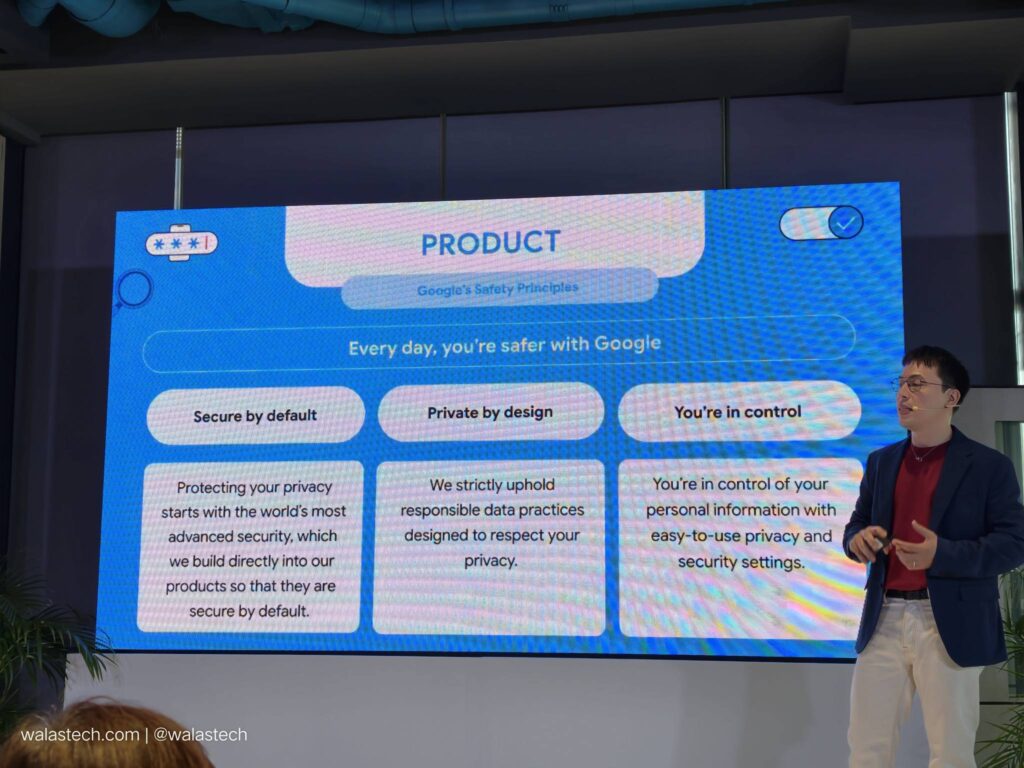
Why it Matters: More students are now using AI tools and connected devices for schoolwork and daily communication. Clear safety settings and guidance can help families reduce risks such as distraction, misinformation, and exposure to harmful content while still allowing kids and teens to benefit from technology.

One of the main updates is to Google Family Link, which now gives parents a clearer single-page view of screen time, app limits, and device controls. The goal is to make it easier for guardians to manage how long children use their phones and what apps they can access. On Android devices, a “School time” feature can also silence notifications and limit certain functions during class hours to help students focus.
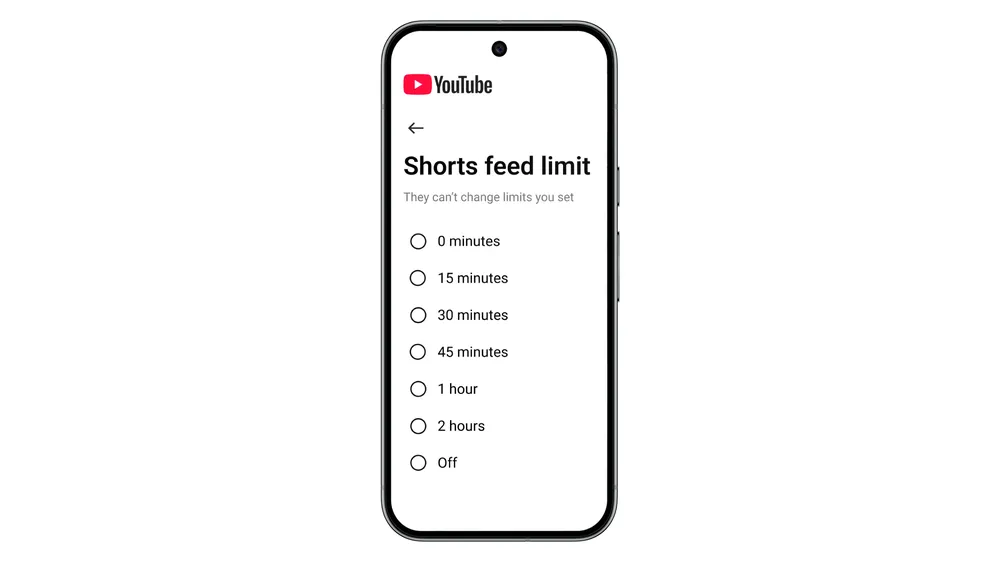
YouTube is also expanding supervised account features. Parents can create and manage teen accounts with built-in safety defaults such as limited recommendations, reminders to take breaks, and age-based protections. These tools aim to balance independence for teens while still giving families visibility and control.
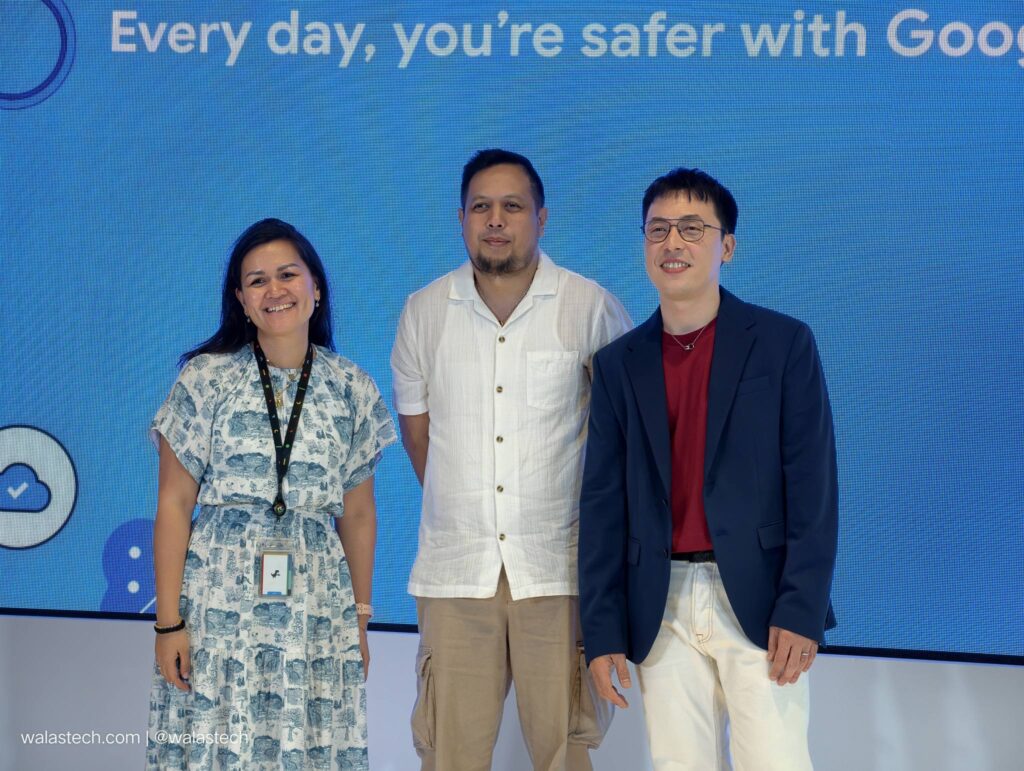
Alongside device and platform controls, Google highlighted new education resources. The Be Internet Awesome AI literacy guide is designed for students in grades 2 to 8 and teaches basic digital responsibility and critical thinking skills. Google’s Gemini platform is also introducing a Guided Learning mode that encourages step-by-step reasoning, instead of quick direct answers, which is intended to support deeper understanding rather than simple copy-paste learning.
Google also shared five general tips for safer and more effective learning with AI. These include setting online and offline boundaries, teaching students how to evaluate sources, involving parents in digital activities, and promoting digital citizenship habits at home and in school. Google also pointed to tools such as “About this image” and SynthID watermarks to help users check the origin and authenticity of AI-generated visuals.
Google said it continues to work with educators, nonprofit groups, and government partners worldwide to spread awareness and training on online safety practices. With more young users relying on connected devices and AI tools for education, the company stresses that guidance from both technology platforms and families plays a key role in building safer online habits.
Discover more from WalasTech
Subscribe to get the latest posts sent to your email.
Get the latest from WALASTECH directly on your Google feed.
Add as a preferred source on Google