


A new scam involving a fake government assistance setup linked to the eGOVph app is targeting users through phone calls and video calls, where victims are guided step by step into giving access to their personal accounts and devices.
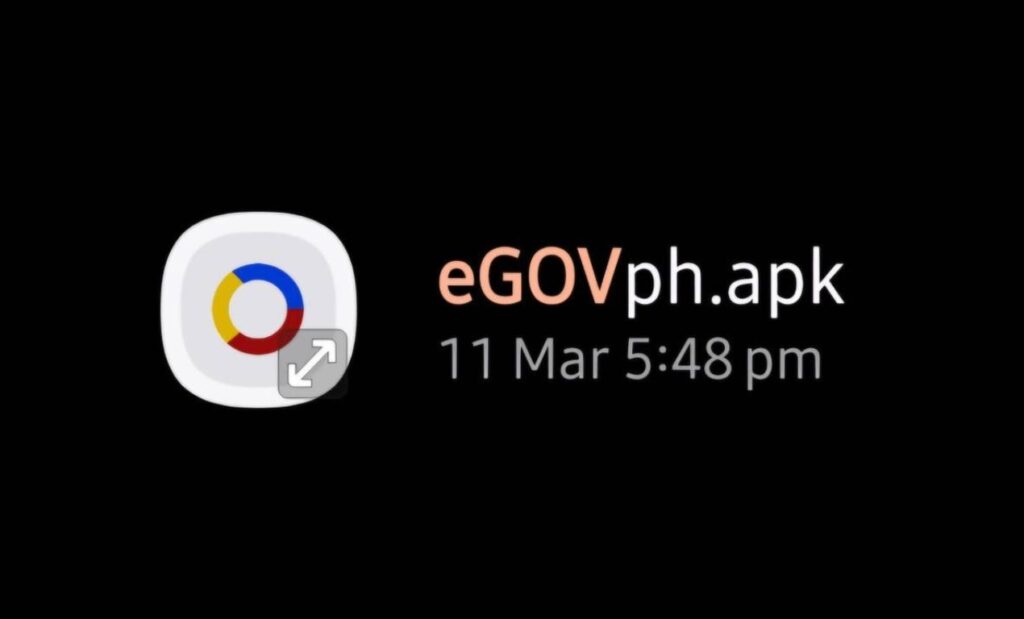
Why it Matters: This scam shows how attackers are moving beyond simple text messages and links and instead using live interaction to pressure users into giving access. By pretending to be official support and guiding victims in real time, scammers can bypass caution and security awareness, leading to full device and account compromise.

The incident was shared by Kaye Alviar-Paglinawan, who reported that she lost access to multiple online accounts and funds after following instructions from someone pretending to be from a government agency.
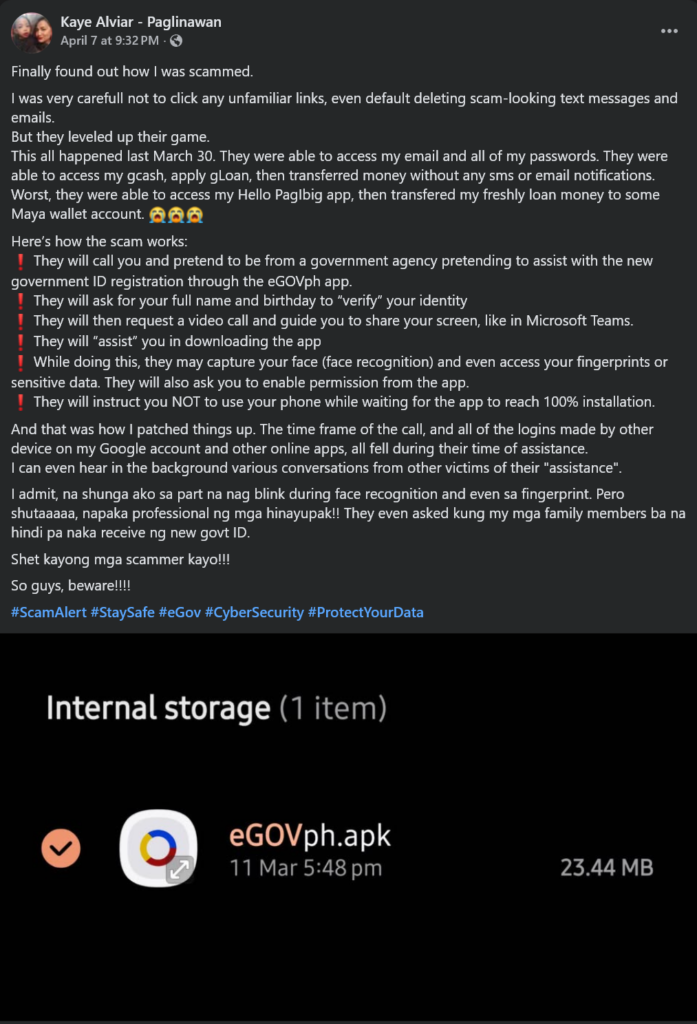
According to the report, the scam starts with a phone call where the caller claims to assist with government ID registration or verification. The victim is asked for basic personal details such as full name and birthday to “verify” identity. After this, the victim is moved to a video call and instructed to share their phone screen while being guided through app installation and setup.
During the process, the victim is told not to use the phone while the installation or verification is ongoing. The scammers reportedly take advantage of this moment to gain deeper access to the device. In some cases, biometric steps such as face recognition are involved, and permissions are enabled under the guidance of the caller.
In the shared incident, unauthorized access followed shortly after the session. The victim reported that email and password credentials were compromised. Financial apps and services including GCash, loan features, and digital wallets were accessed, with transactions and transfers happening without normal alerts. Funds from a Pag-IBIG-related loan were also reportedly moved to another digital wallet account.
Multiple suspicious logins from other devices were also observed around the same time as the call, based on the account. The victim noted that the entire sequence of unauthorized activity matched the timing of the “assistance” session.
Users are advised to only download applications from official app stores (eGOV app is only via App Store / Play Store / AppGallery). and to avoid installing external apps or sharing screens during unsolicited calls or video sessions. Government agencies should only be contacted through verified official channels for any assistance or updates.
Discover more from WalasTech
Subscribe to get the latest posts sent to your email.
Get the latest from WALASTECH directly on your Google feed.
Add as a preferred source on Google