

There was a time when choosing a monitor was simple. You looked at the screen size, checked whether it was Full HD or 4K, compared a few prices, and picked the one that fit your budget. As long as it displayed an image and had the right ports, the job was done.
Today’s workspaces tell a different story. More professionals are using laptops as their primary computers, docking them to larger displays once they arrive at their desks. For MacBook users in particular, that transition has created a new set of expectations. It’s no longer enough for a monitor to simply provide more screen space. It also has to deliver a familiar visual experience, integrate naturally with macOS, and support the kind of workflows that fill an eight-hour workday.
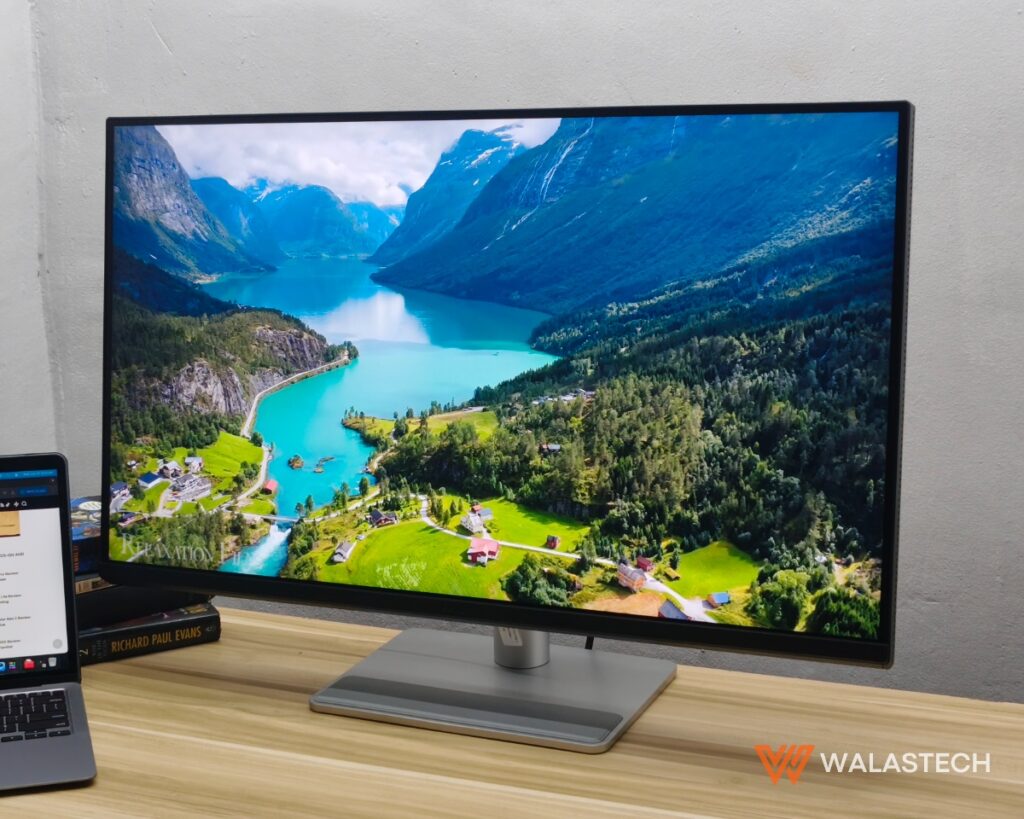
That’s the idea behind the BenQ MA320U Monitor.
Instead of positioning itself as another 32-inch 4K productivity monitor, the BenQ MA320U is built around the way MacBook users work. From its understated design to its software integration and color tuning, the monitor focuses on making an external display feel less like an accessory and more like a natural extension of the laptop.
More Than a Bigger Workspace
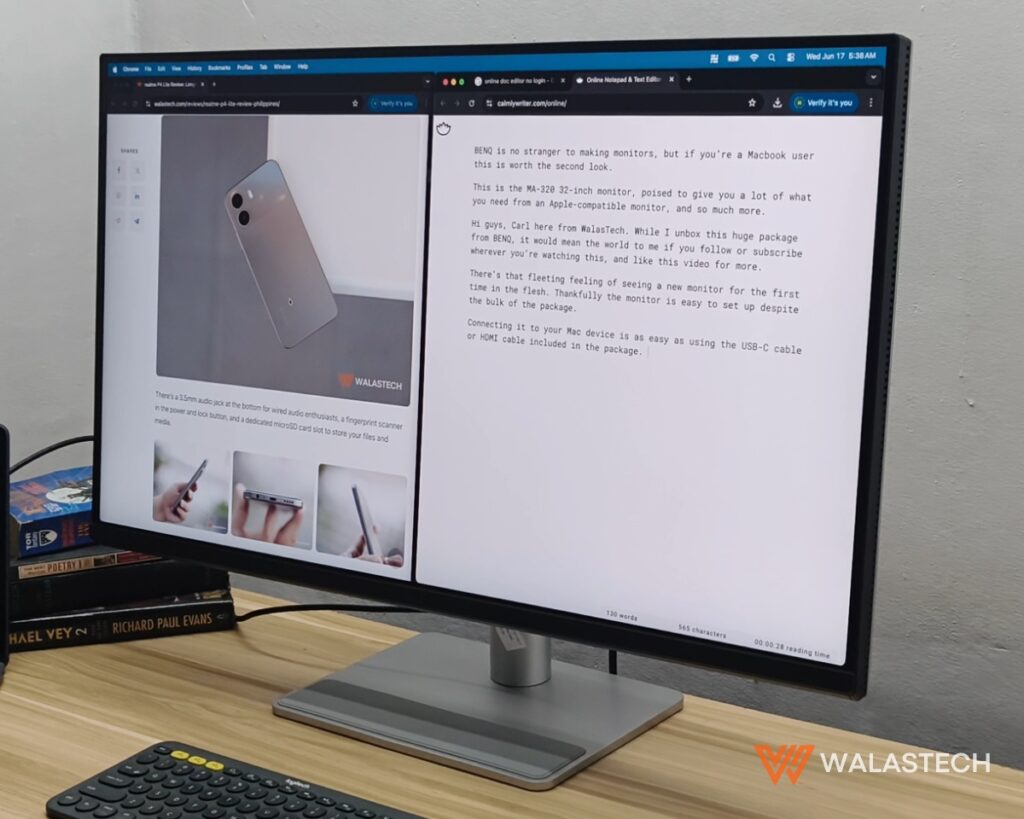
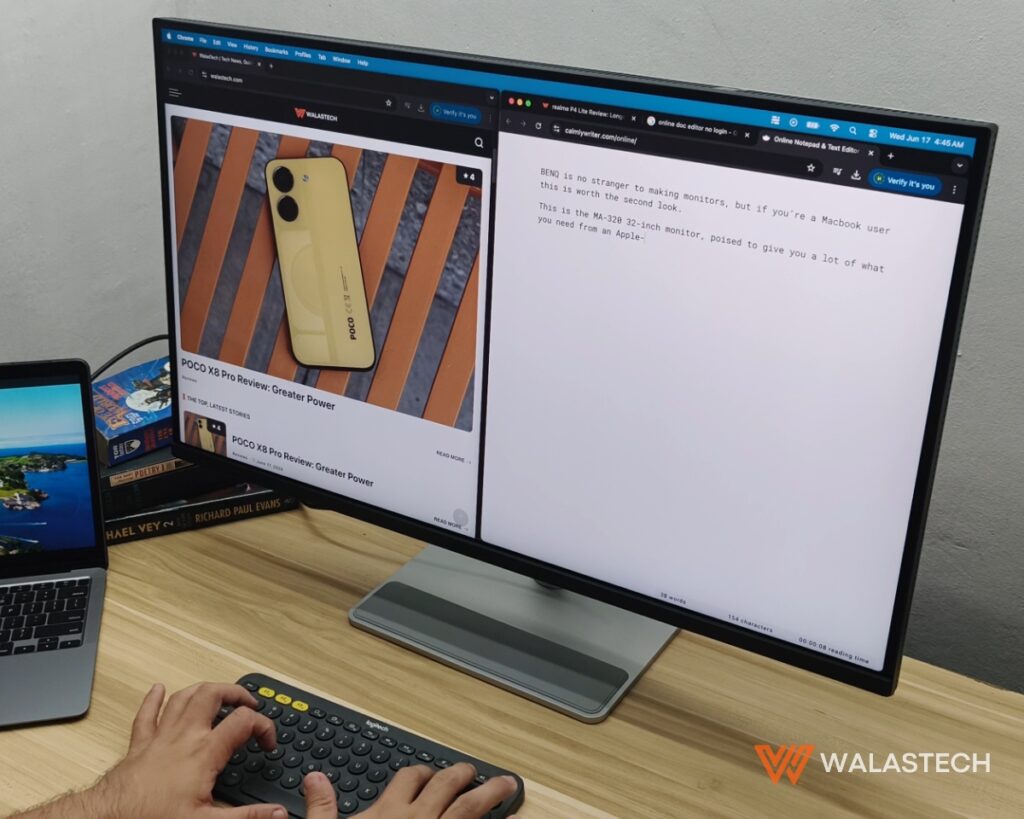
The first thing anyone notices about the BenQ MA320U is its size. The 31.5-inch 4K IPS panel provides significantly more room than even the largest MacBook display, making it easier to keep multiple applications open without constantly switching between windows.
For writers, that could mean having research materials, a content management system, and a document editor visible at the same time. Designers can dedicate more space to timelines and toolbars, while office workers can comfortably manage spreadsheets, presentations, and video calls on a single screen.
The benefit goes beyond multitasking. The 3840 x 2160 resolution keeps text crisp and images detailed, allowing users to work for extended periods without feeling constrained by limited screen real estate.
However, the BenQ MA320U isn’t simply relying on its display size to justify its place on a desk.
Designed to Complement the Apple Ecosystem
One of the strengths of Apple’s hardware is consistency. MacBooks, iPads, and other Apple devices share a similar design language, creating workspaces that feel organized and cohesive.
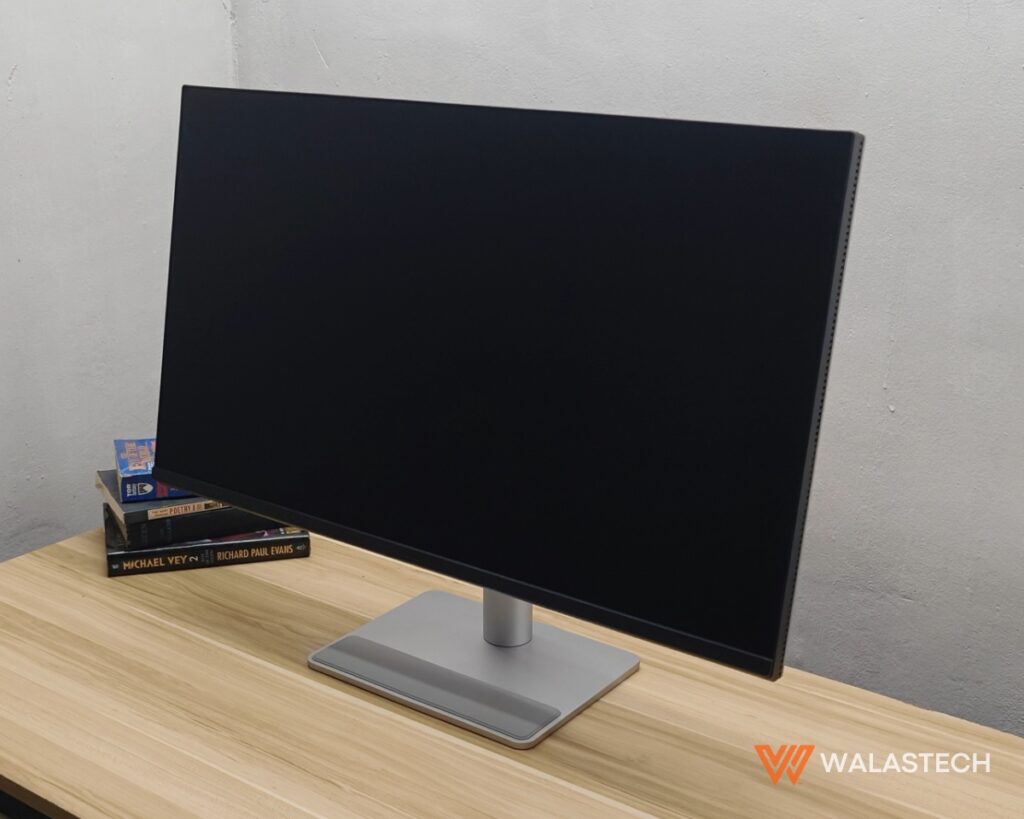
The BenQ MA320U embraces that philosophy with a silver finish that looks naturally at home beside a MacBook. Thin bezels maximize the viewing area without making the monitor feel oversized, while the clean lines and minimalist styling allow it to blend into modern desks rather than dominate them.
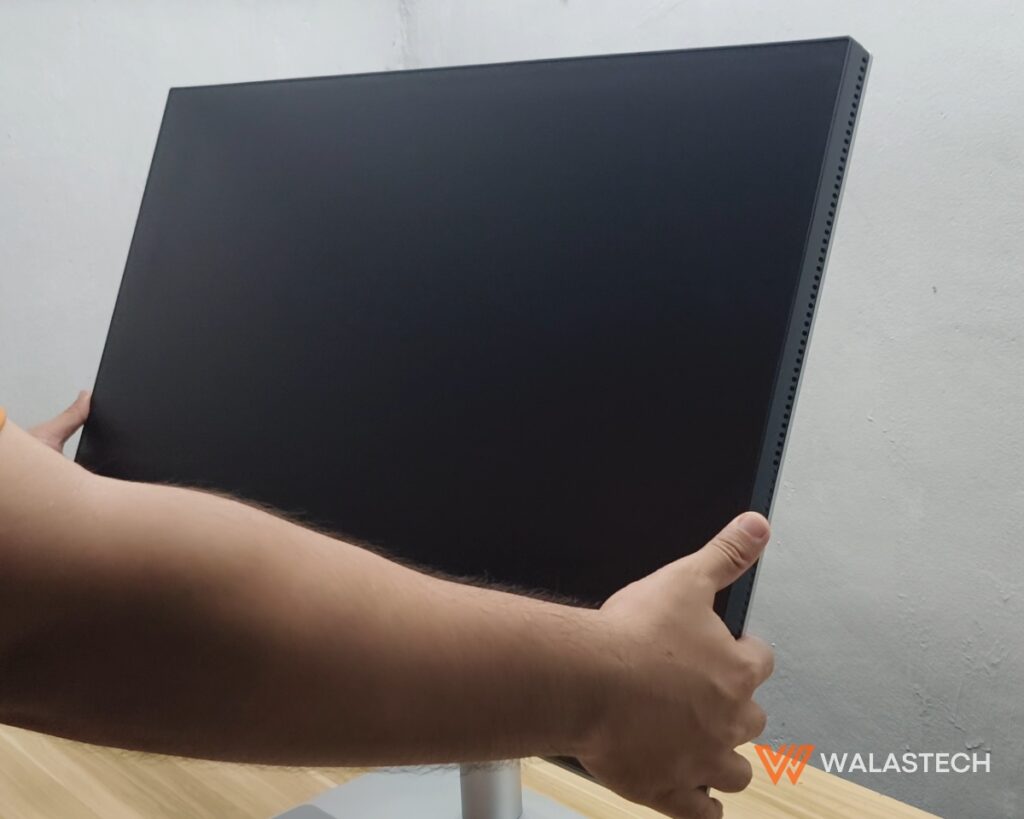
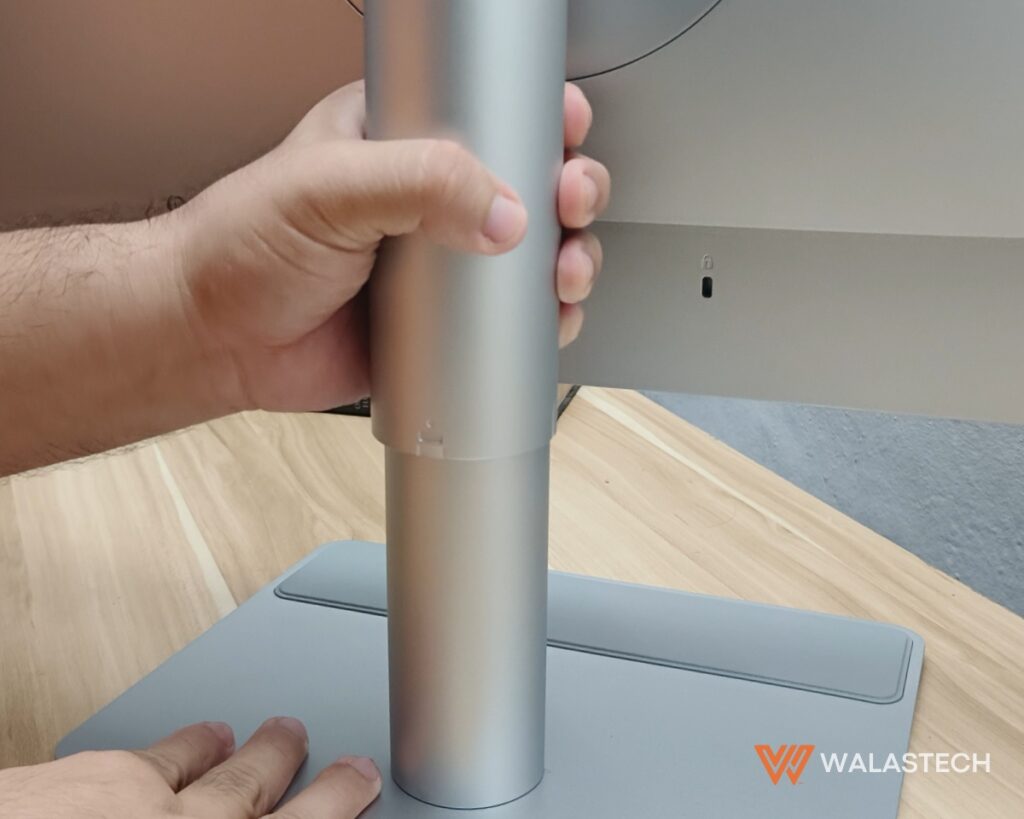
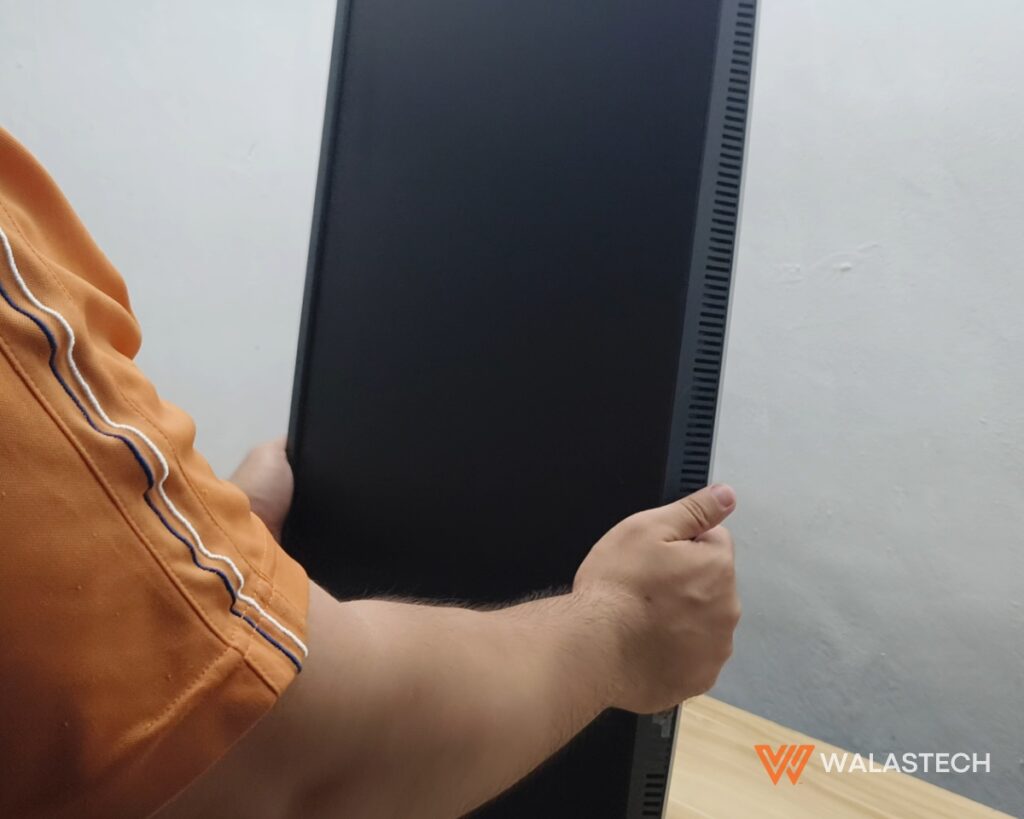
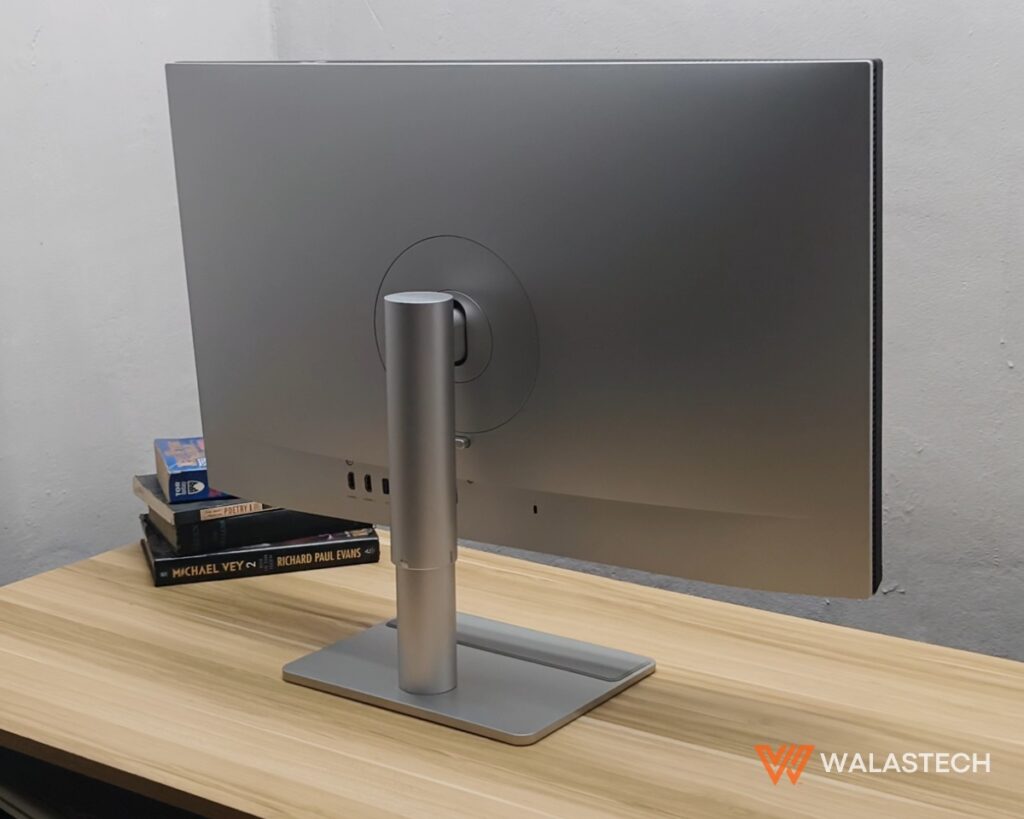
Practicality is just as important as appearance. The stand supports height adjustment, tilt, swivel, and portrait orientation, making it easy to adapt the display to different work environments. BenQ also incorporates a rubberized section into the base, providing a convenient resting place for a laptop or accessories without worrying about scratches.
These aren’t headline-grabbing features, but they contribute to a workspace that feels carefully considered instead of simply assembled.
Where the BenQ MA320U Stands Out
Many productivity monitors offer high-resolution displays and accurate colors. What separates the BenQ MA320U is the way it integrates with macOS through software.
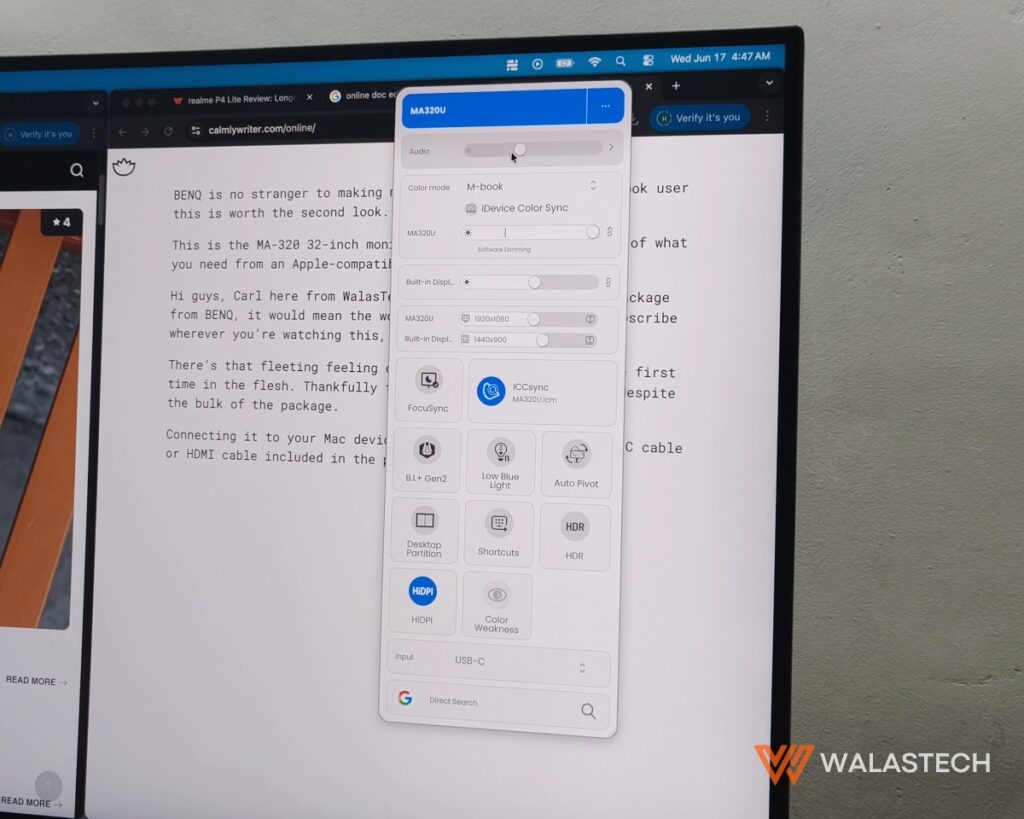
Display Pilot 2 serves as the bridge between the monitor and a connected MacBook, allowing users to access settings through a familiar interface instead of navigating traditional monitor menus.
Features such as iKeyboard Control enable brightness and volume adjustments directly from a MacBook keyboard, removing the need to reach for physical buttons beneath the display. Brightness Sync keeps the monitor aligned with the laptop as lighting conditions change throughout the day, while FocuSync works alongside Apple’s Focus Modes to automatically apply corresponding display settings.
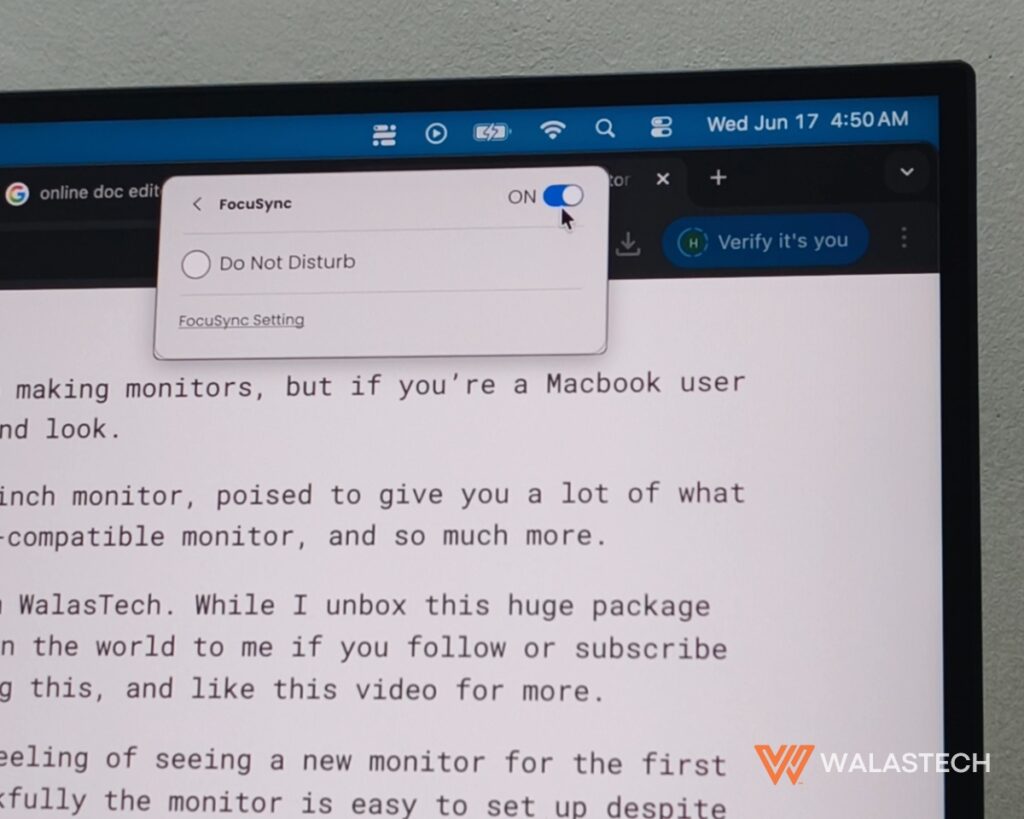
Individually, these features may seem like small conveniences.
Collectively, they reduce interruptions that happen dozens of times throughout a workday, making the BenQ MA320U feel more integrated into the Apple ecosystem than a conventional external display.
Color Consistency Matters More Than Ever
As more creators edit photos, videos, and social media content from laptops, color consistency becomes increasingly important.
The BenQ MA320U addresses this through Mac Color Tuning and its dedicated M-Book mode, designed to produce a viewing experience that closely matches a MacBook display. Rather than constantly adjusting to visible differences between two screens, users can move content from one display to another with greater confidence.
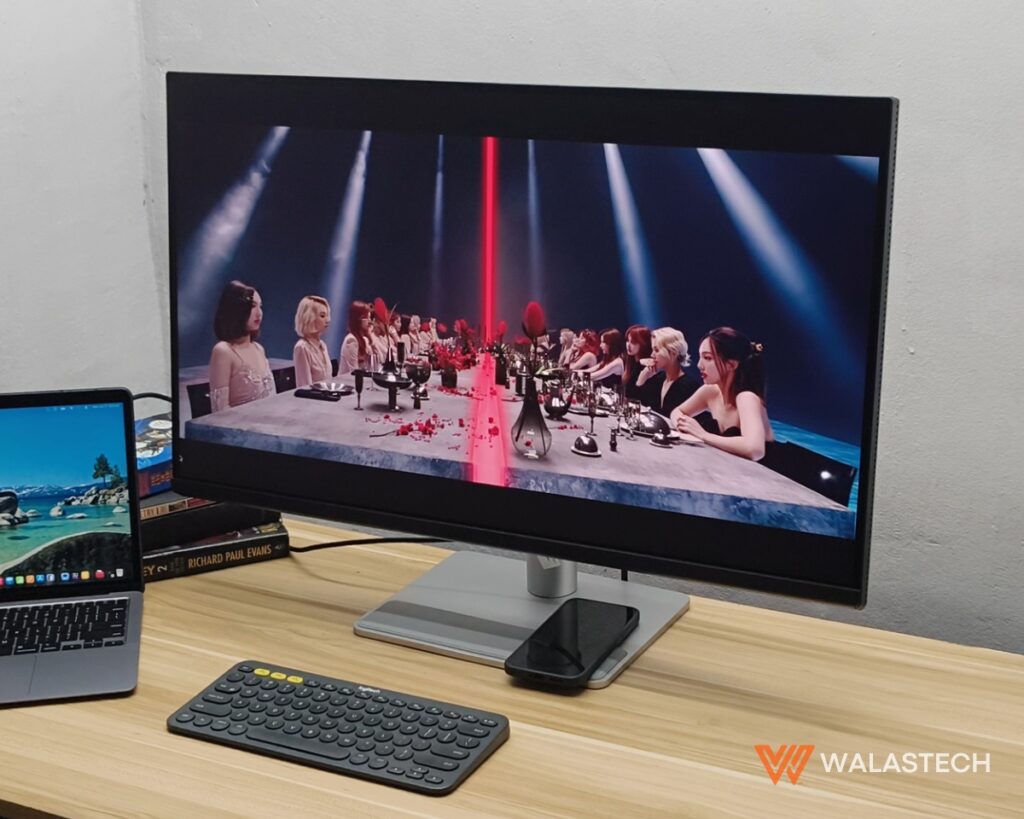
The monitor supports 99% sRGB and 97% DCI-P3 color coverage, delivering vibrant visuals suitable for productivity, creative work, and media consumption.
BenQ also equips the display with a Nano Matte coating that effectively diffuses reflections without introducing the grainy appearance commonly associated with traditional matte panels. Combined with B.I.+ Gen2 technology, which automatically adjusts brightness and color temperature according to ambient lighting conditions, the BenQ MA320U remains comfortable to use throughout long work sessions.
While the monitor carries VESA DisplayHDR 600 certification, its HDR implementation is best viewed as an added benefit rather than its primary selling point. Likewise, its IPS contrast performance remains typical of the panel technology, favoring accurate colors and wide viewing angles over deep blacks.
Built Around Modern Workspaces
The shift toward cleaner desks has made USB-C connectivity more important than ever, and the BenQ MA320U embraces the single-cable approach.
A compatible MacBook can receive up to 90W of charging power while simultaneously outputting video through one USB-C connection, reducing clutter and simplifying the process of docking and undocking throughout the day.
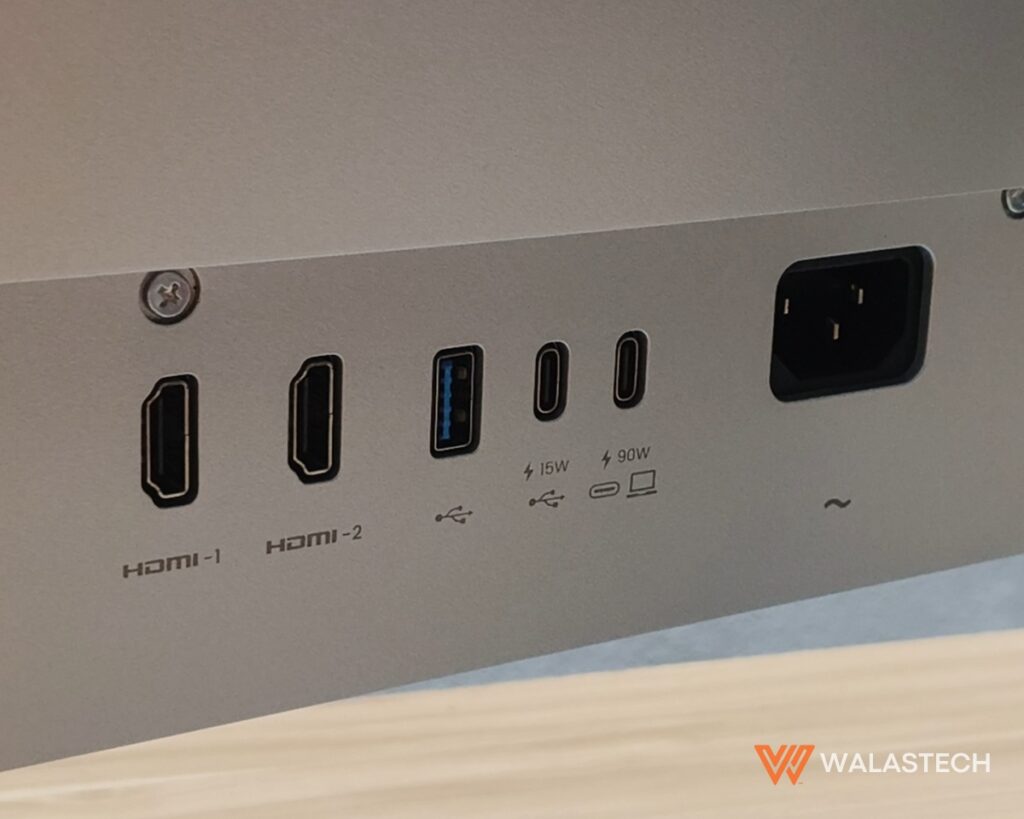
Additional connectivity includes a secondary USB-C port, two HDMI 2.0 ports, two USB-A ports, and a conveniently placed headphone jack, allowing the monitor to function as the center of a desktop setup.
While the absence of Thunderbolt 4 means professionals handling extremely large files may not benefit from maximum data throughput, the available connectivity remains practical for the productivity-focused audience the monitor is designed to serve.
The built-in dual 3W speakers are adequate for video calls and casual media playback, although users seeking richer audio will likely continue relying on dedicated speakers or headphones.
A Different Approach to Productivity
The BenQ MA320U reflects a broader shift in how monitors are being designed. For years, manufacturers competed almost exclusively on specifications, advertising higher refresh rates, brighter panels, and increasingly impressive numbers. Today’s productivity displays are beginning to focus on something less measurable: the overall user experience.
Comfort, software integration, cable management, eye care, and ecosystem compatibility have become just as important as resolution and color coverage for people who spend most of their day in front of a screen.
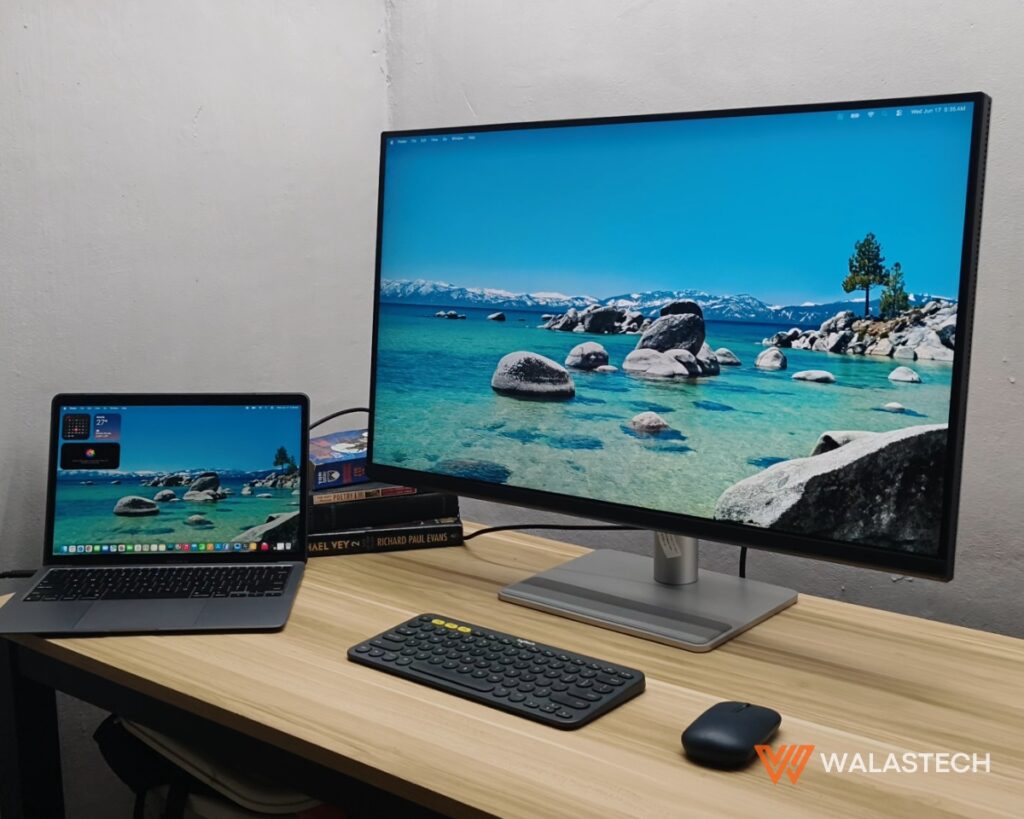
The BenQ MA320U isn’t positioned as an entry-level productivity monitor, nor is it trying to replace gaming displays or professional reference monitors. Instead, it occupies a space that has quietly grown alongside Apple’s ecosystem, offering a combination of thoughtful hardware and software features that make everyday work feel more seamless.
For MacBook users looking to build a permanent workspace without sacrificing the familiarity of their laptop experience, the BenQ MA320U demonstrates that the best productivity upgrade isn’t always a faster processor or more memory. Sometimes, it’s simply the display you spend the entire day looking at.
You can now purchase the BENQ MA320U 4K Macbook Monitor online at Shopee (BUY HERE) and Lazada, as well as at Authorized Dealer Stores nationwide.
Get the latest from WALASTECH directly on your Google feed.
Add as a preferred source on Google